
Step 1: Sign Up / Log In as a Client (Basic Information)
- Go to the Droomwork platform homepage (or use an Affiliate Link).
- Click the “Hire Now” button for hirers.
- Create a free client account (or log in if you already have one) using your work email.
- Fill in the Basic Information section:
- Company Name*: Enter your company (e.g., “Apple Inc”).
- Phone Number: Select country code (e.g., NG +234) and enter your number.
- Work Email*: Provide a professional email (e.g., [email protected]).
- Click Next to proceed to Requirements.
-1.png?fit=max&auto=format&n=dyLMdJzxT2ArCyEg&q=85&s=7a1f598f33a63ae2fe0c9365db064a7b)
Step 2: Specify the Hire Request (Requirements)
This is the core matching step — Droomwork uses your selections to instantly surface the most relevant talents.-
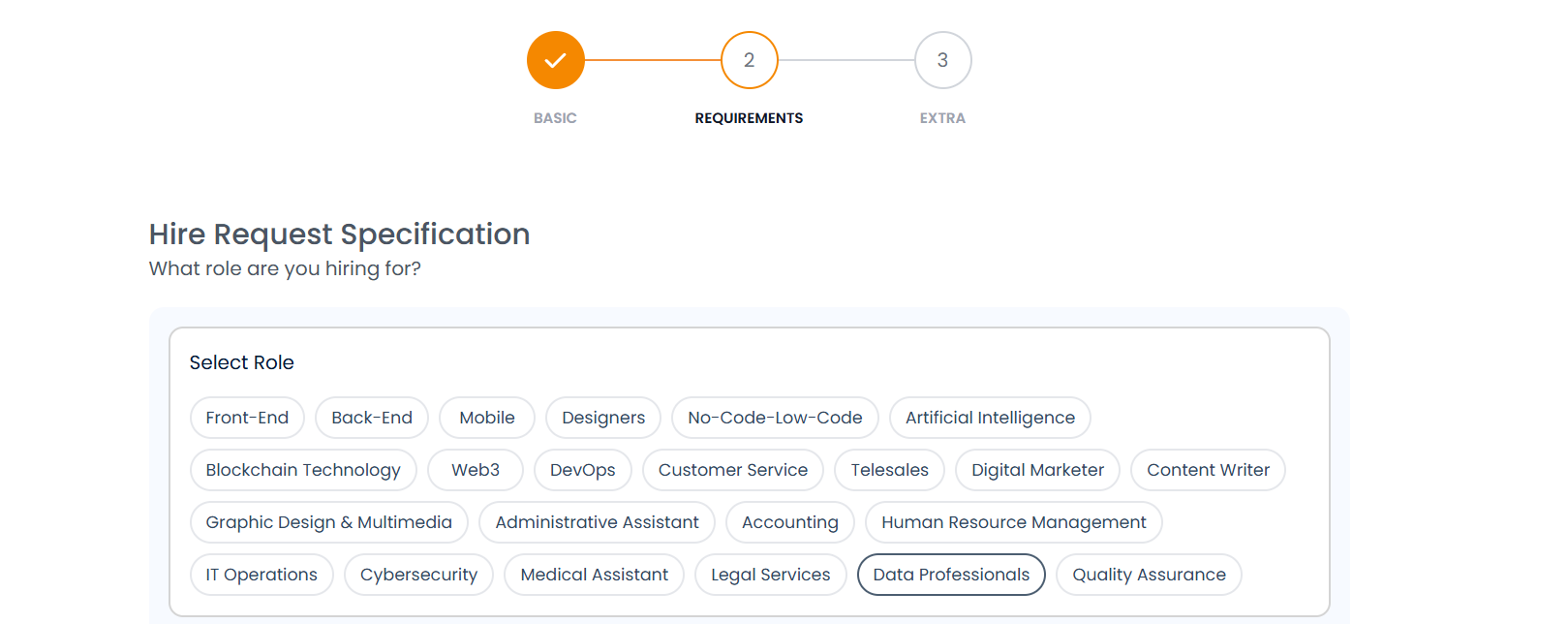
Select Role: Choose the main category/role you’re hiring for from the chip-style list.
-
Select Specialties: choose the Specialties (multi-select chips). You can add up to 3+. For example, under Data Professionals:
-
Data Analysis, Data Visualization, Statistics & Math

-
Data Analysis, Data Visualization, Statistics & Math
-
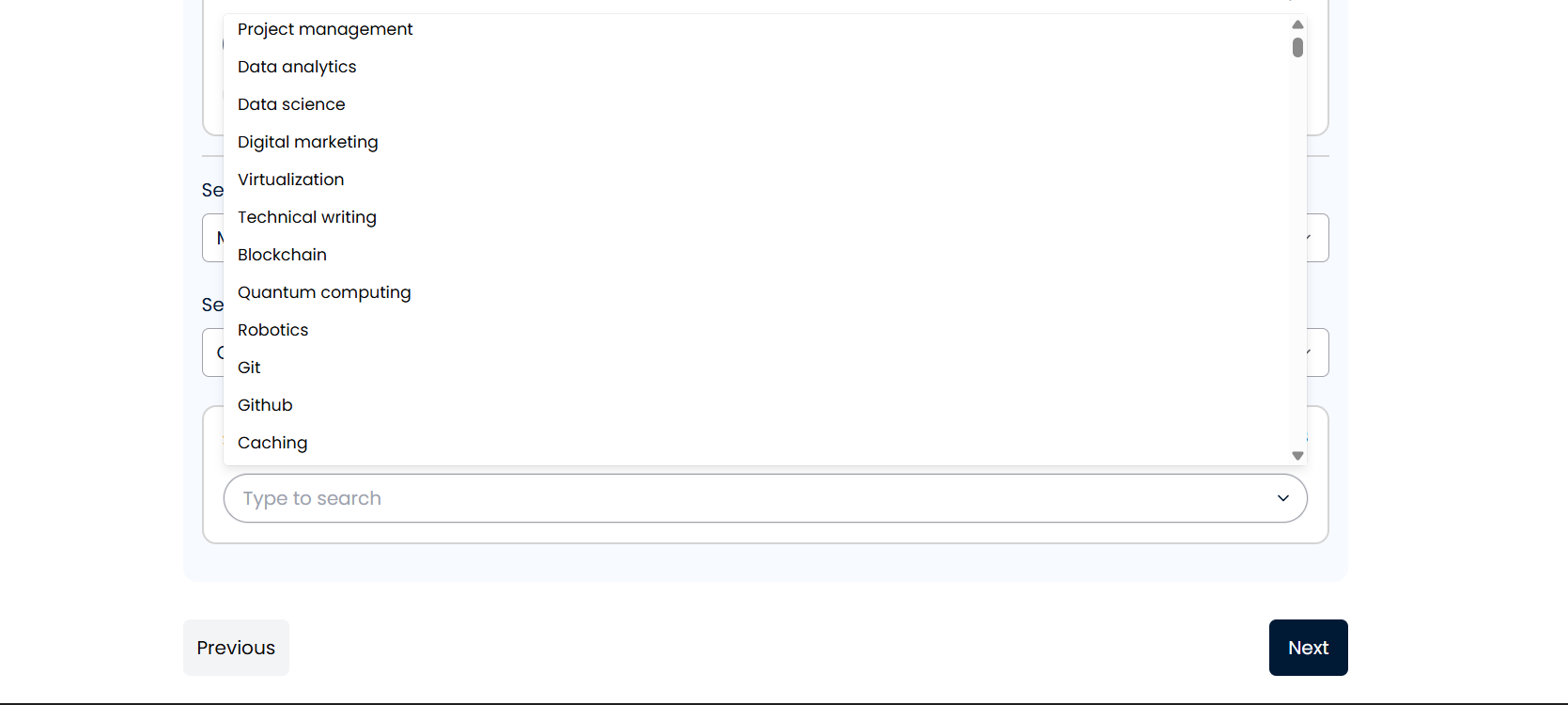
Select Tools: Pick the specific tools/skills the talent should know (e.g., Excel, Power BI, Pandas, Python/R, SQL, Jupyter Notebook). You can add up to 3+.

-
Select Level: Choose experience level from the dropdown:
-
Junior, Mid, or Senior.

-
Junior, Mid, or Senior.
-
Select Work Type: Choose Contract, Full-Time, or Part-Time.

-
Skills: Type/search and add key soft/hard skills (e.g., Data Analytics, Communication, Problem Solving, Collaboration, Documentation). You can add up to 8+.
- Click Next once selections are complete.
Step 3: Add More Details & Budget (Extra)
Finalize the post with project specifics — this attracts serious, qualified responses.- Job Description*: Write a clear, detailed description in the text box. Explain the project scope, deliverables, timeline, goals, and any must-haves.
-
Upload Job Description File* (optional but recommended): Drag & drop supporting files (.pdf, .docx, .docs up to 5MB)

- No. of Talents*: Enter how many freelancers you need (e.g., 1 for a single project, or more for a team).
- Choose Location Preference: Select preferred region (e.g., Africa, Europe).
-
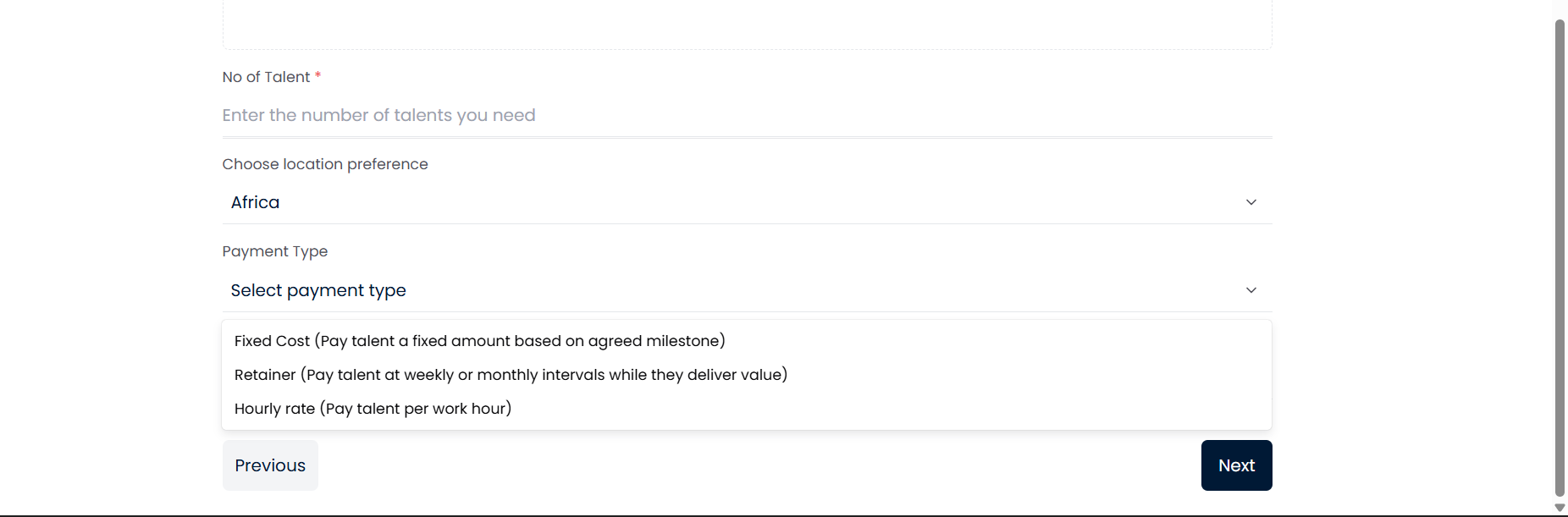
Payment Type: Choose from:
- Fixed Cost (pay a fixed amount based on agreed milestones — most popular for defined projects).
- Retainer (weekly/monthly payments while delivering ongoing value).
-
Hourly Rate (pay per work hour).
-
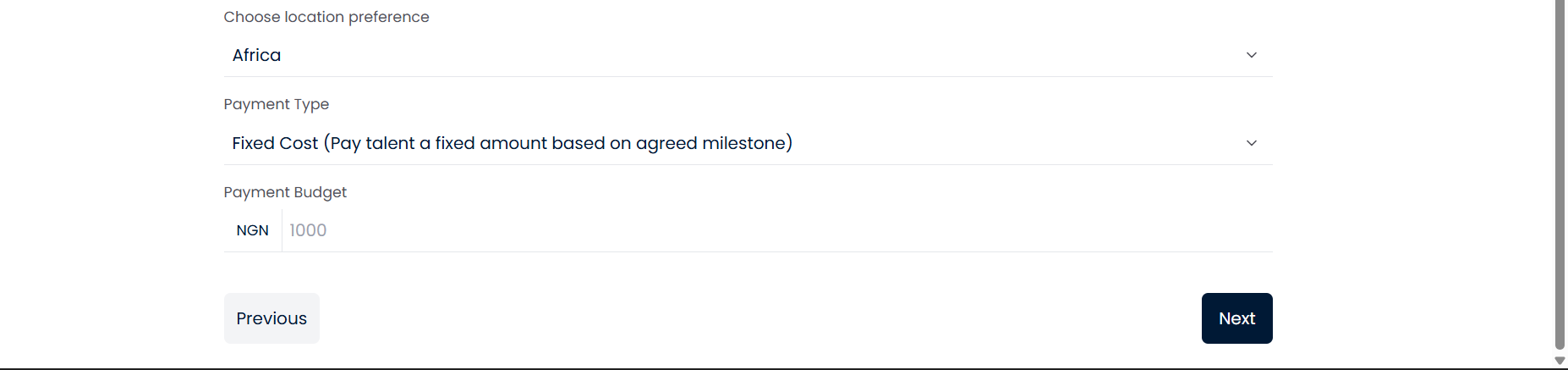
Payment Budget: Set your budget range (e.g., NGN 200,000+ or equivalent)
- Review everything, then click Next to Submit.
- Your job goes live immediately.
- Matching freelancers receive notifications, and they show interest quickly.
- Review profiles, portfolios, interview, and hire — many clients complete hires in under 48 hours.
- Use Droomwork secure payments, milestones, and protection features.